Why Variable Fonts Are Finally the Default? I still vividly remember the specific headache of managing typography for content-dense websites…
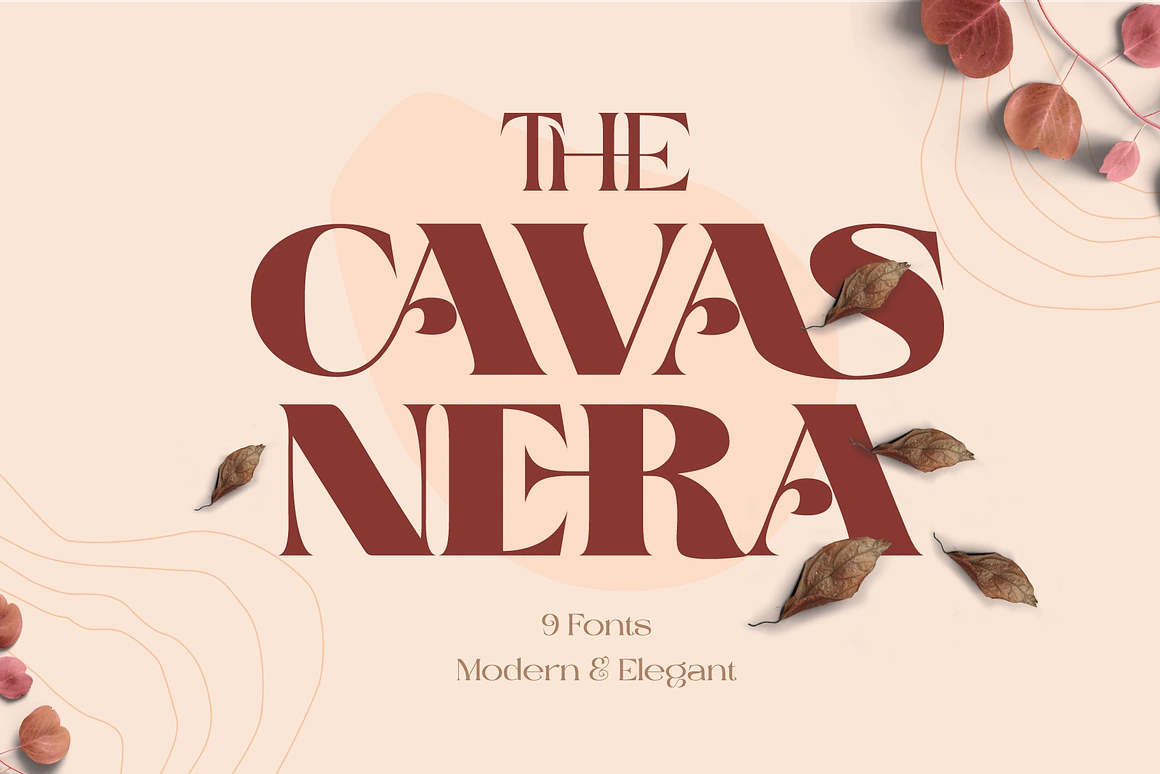
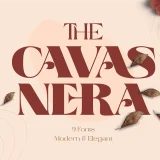
Cavas Nera - Modern and Elegant Font
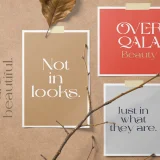
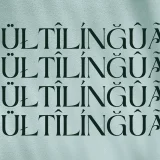
Font Preview
DESCRIPTION
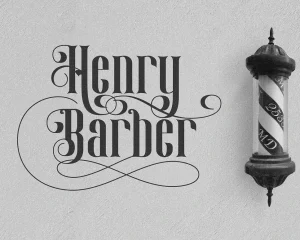
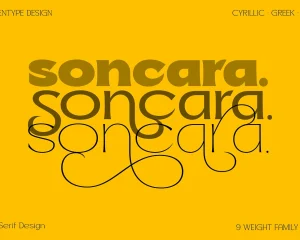
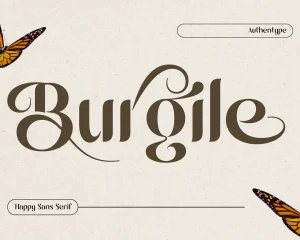
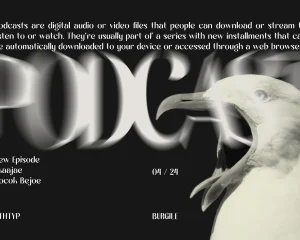
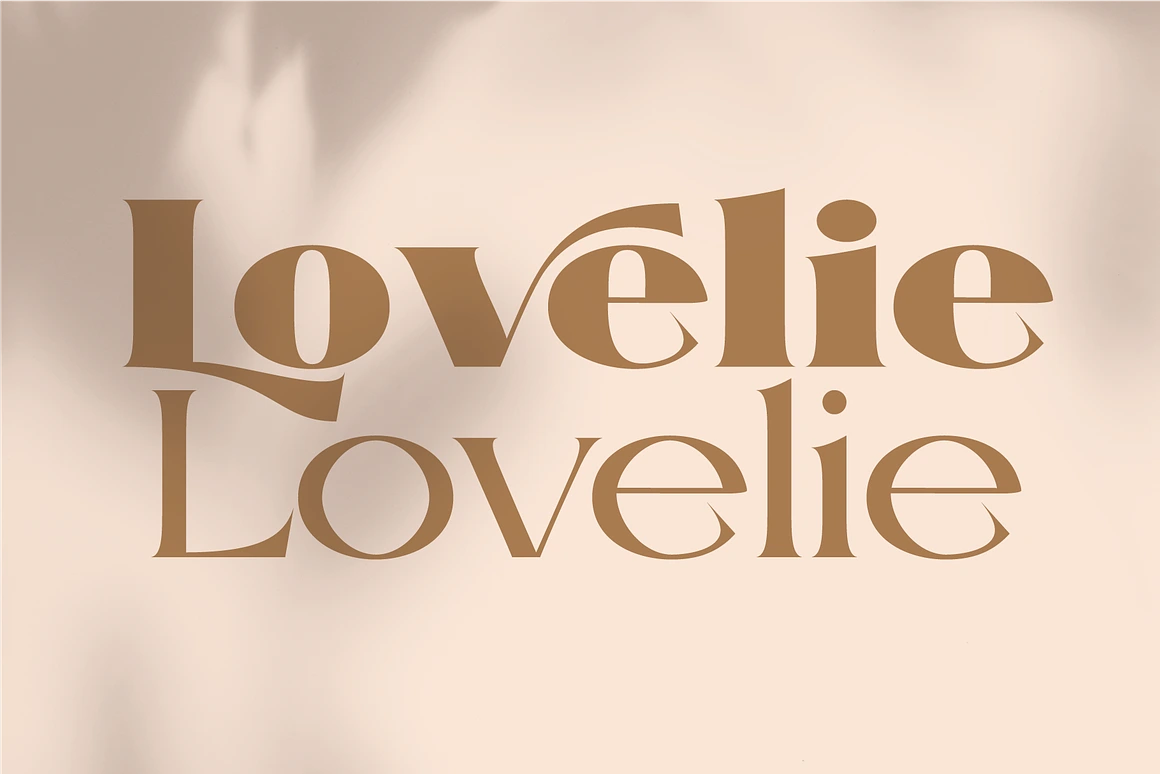
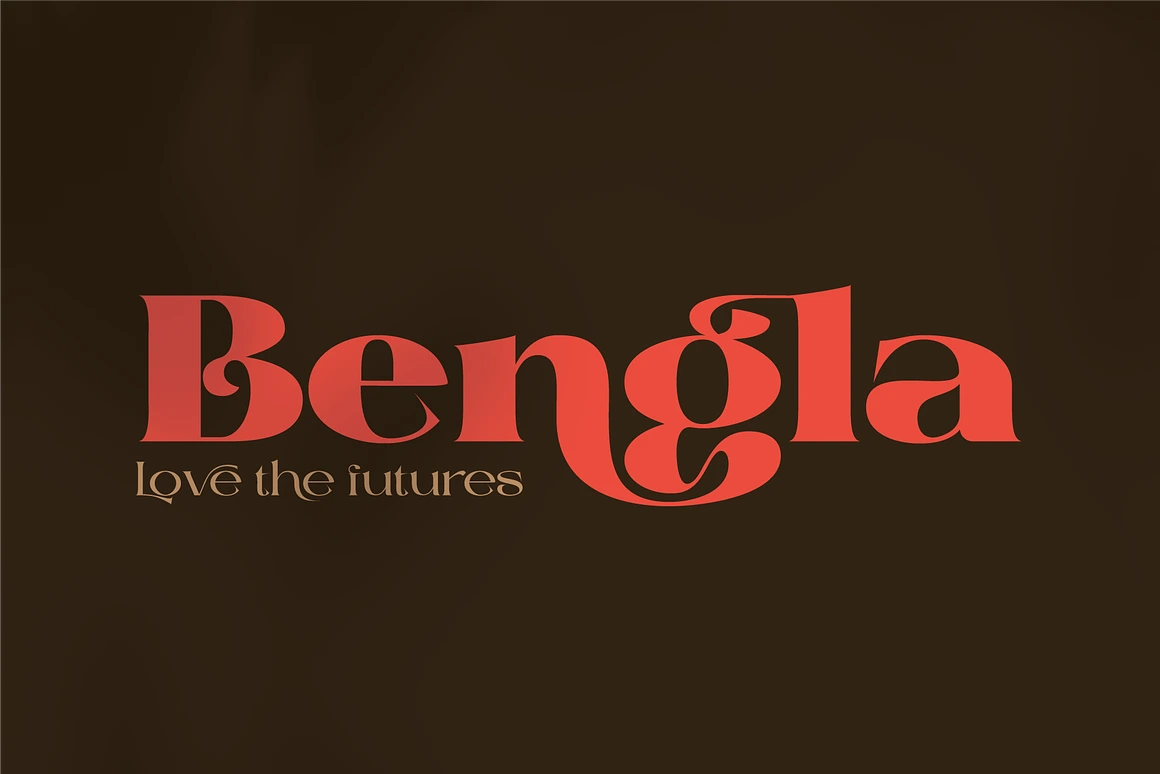
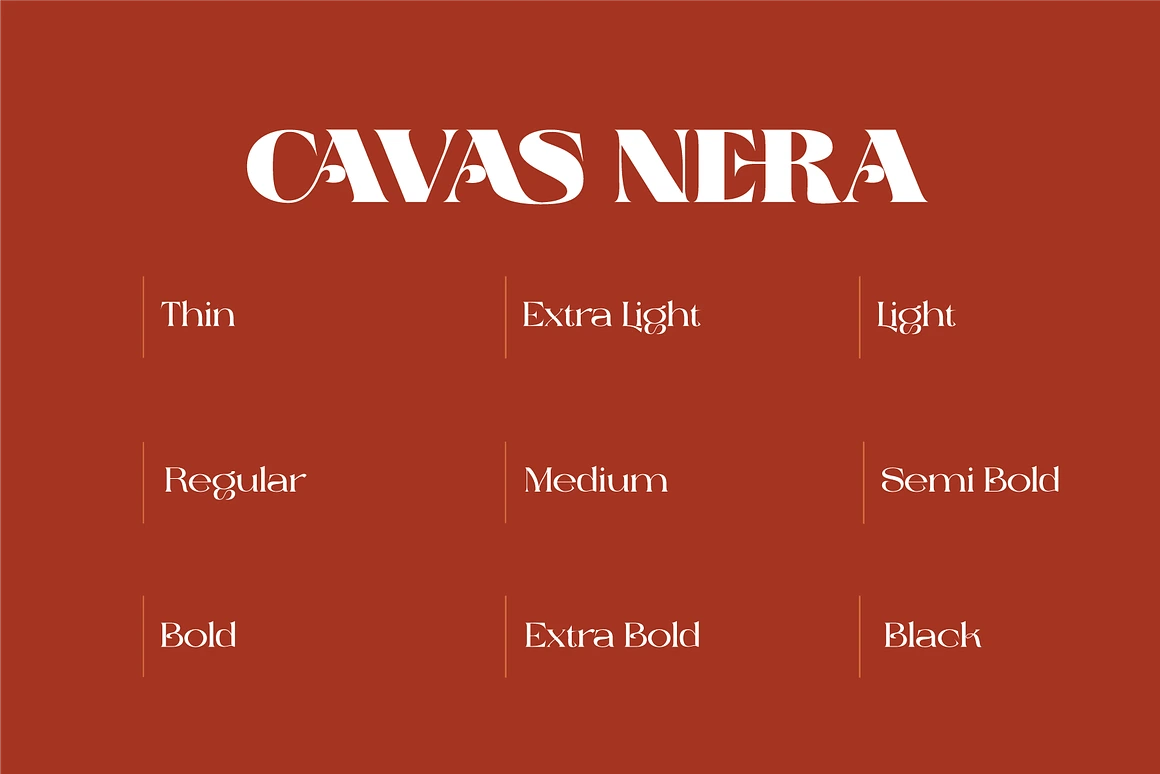
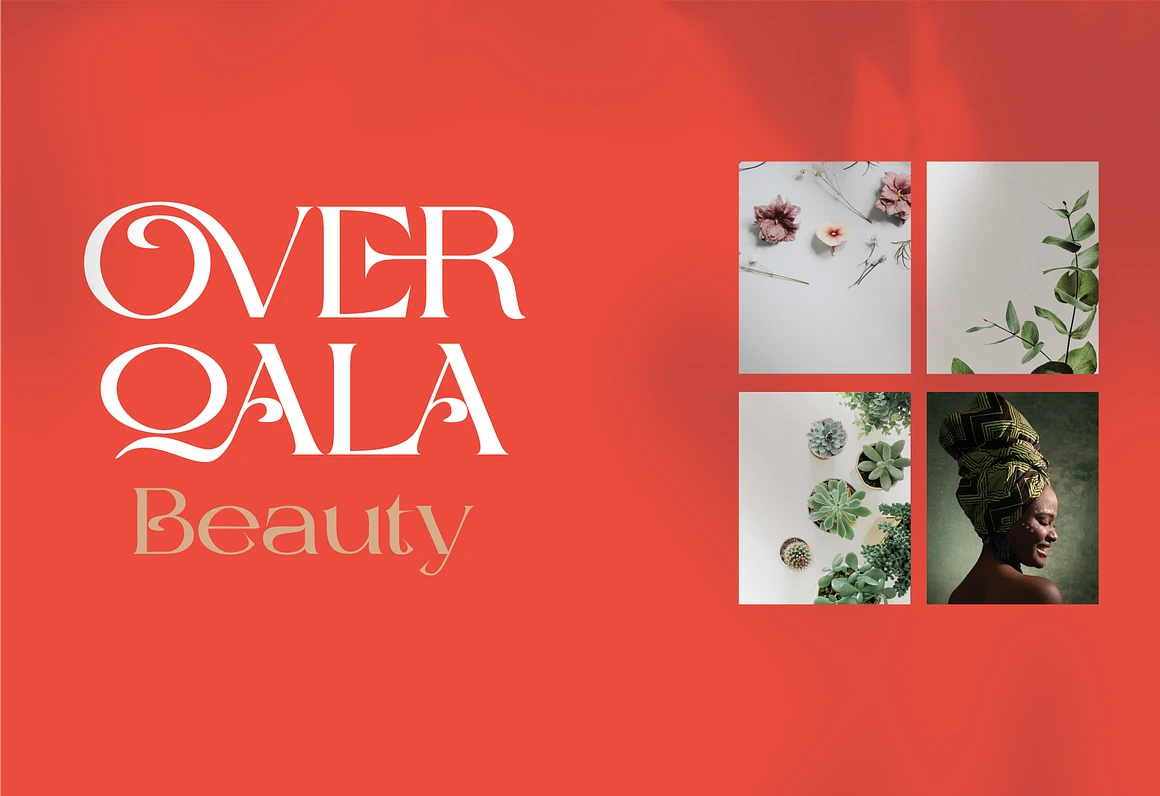
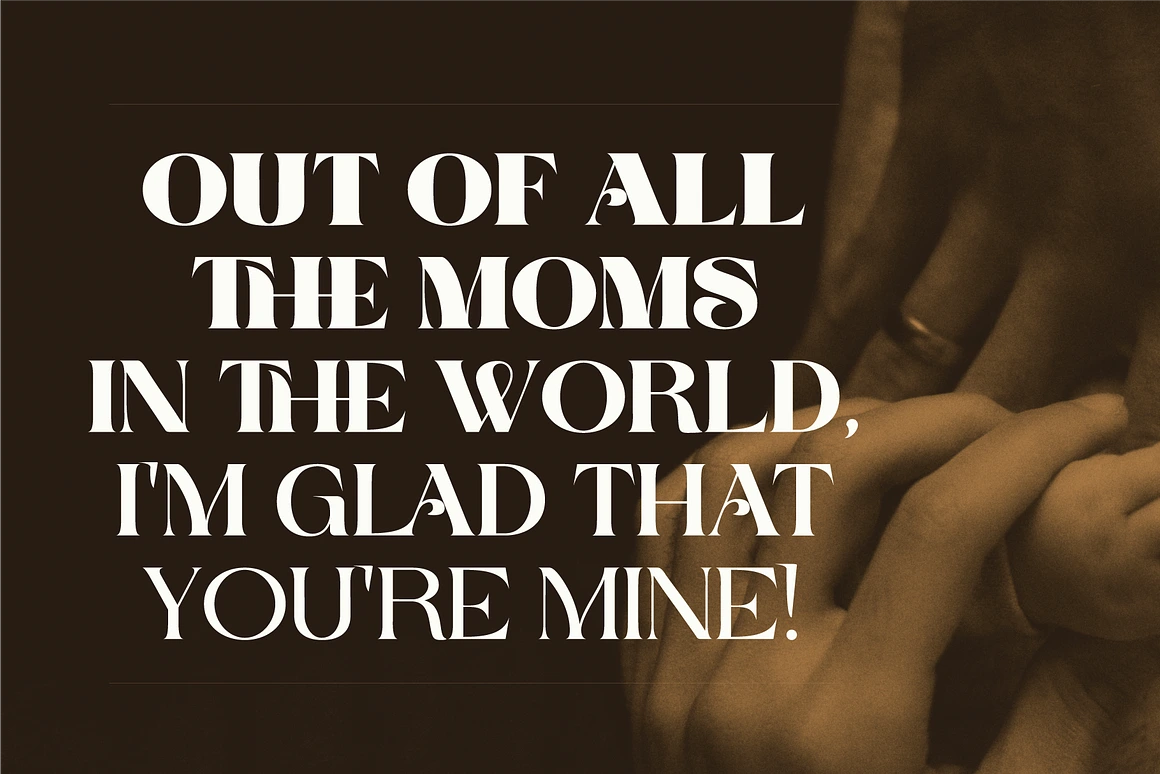
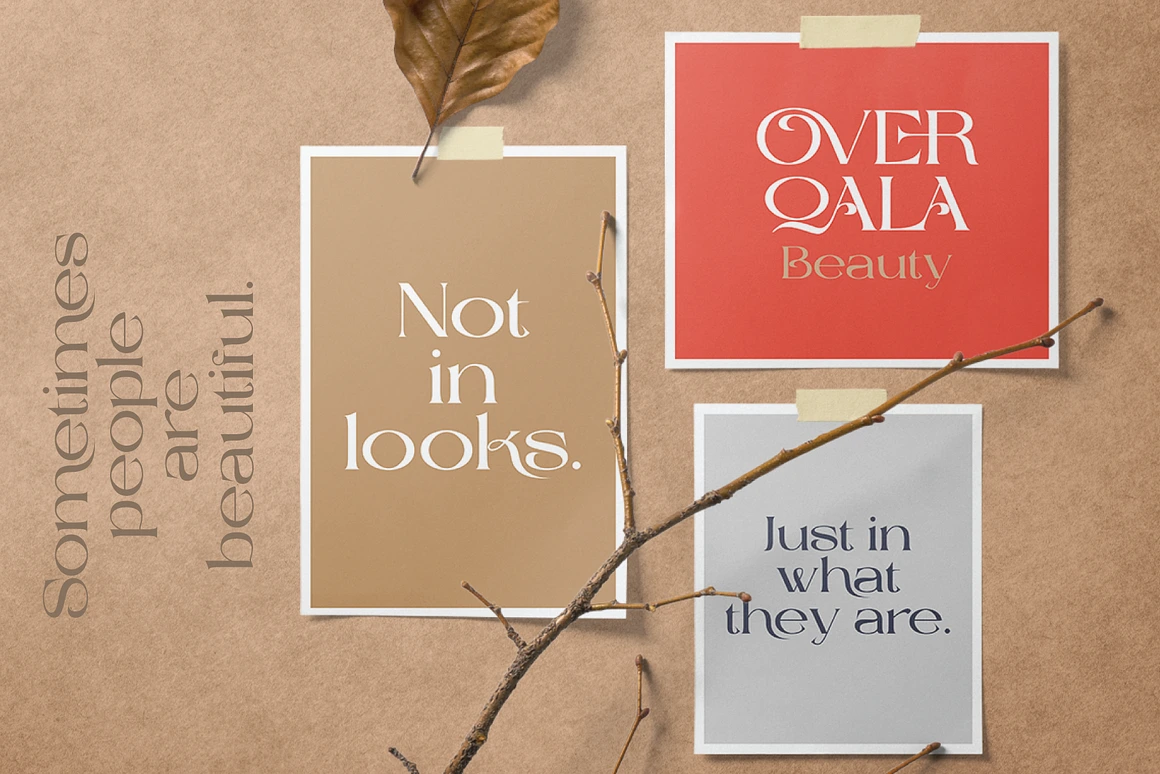
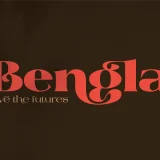
Cavas Nera is a Modern and Elegant font, meticulously designed to exude sophistication and versatility. Every character is carefully crafted with optional ligatures that bring a distinctive charm, ensuring each word flows with natural elegance and visual harmony. The font’s graceful curves and sharp, contrasting strokes add a luxurious aesthetic, making it a perfect choice for high-impact branding and refined editorial layouts.
Its versatile design bridges the gap between modern minimalism and classic sophistication, making it ideal for a wide range of creative applications. From luxury brand logos and premium product packaging to fashion editorials, exclusive invitations, and statement posters, Cavas Nera is a Modern and Elegant font elevates your design projects with a touch of prestige and artistry.
Font Features:
Formats: OTF, TTF, WOFF
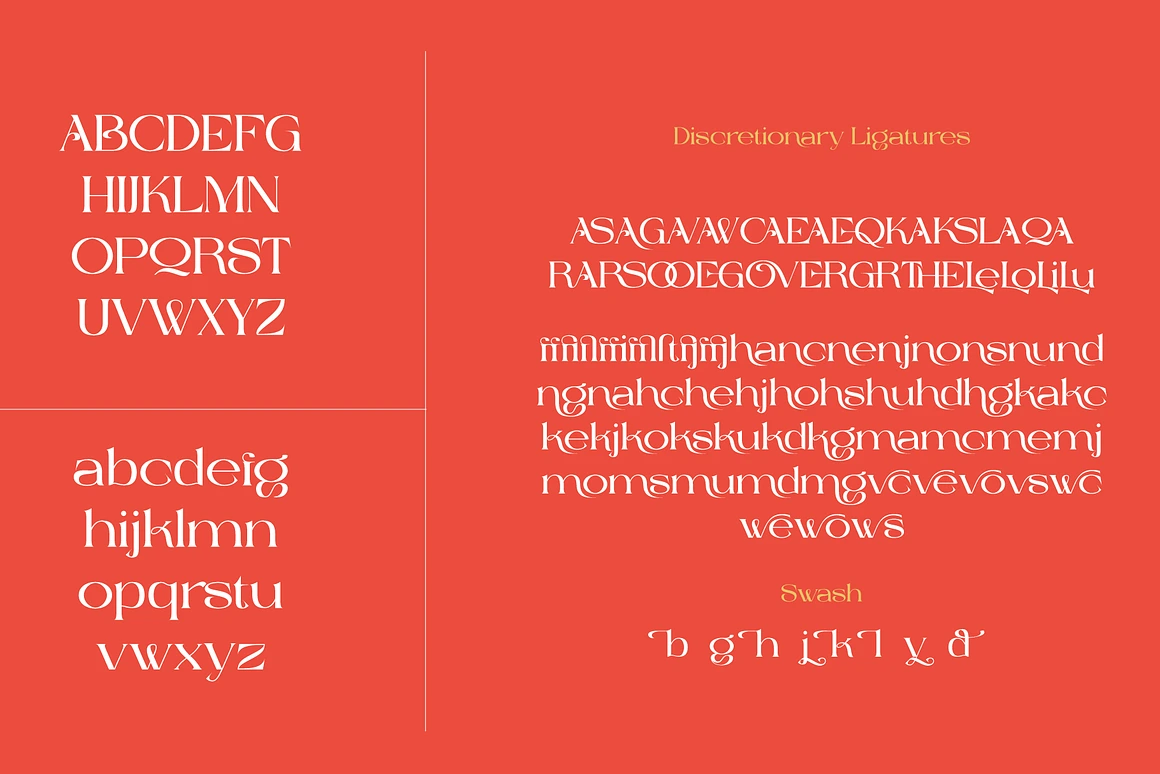
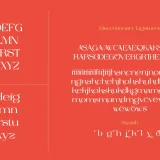
Characters: Standard uppercase and lowercase glyphs
Extras: Numerals, extensive punctuation, ligatures, and swashes
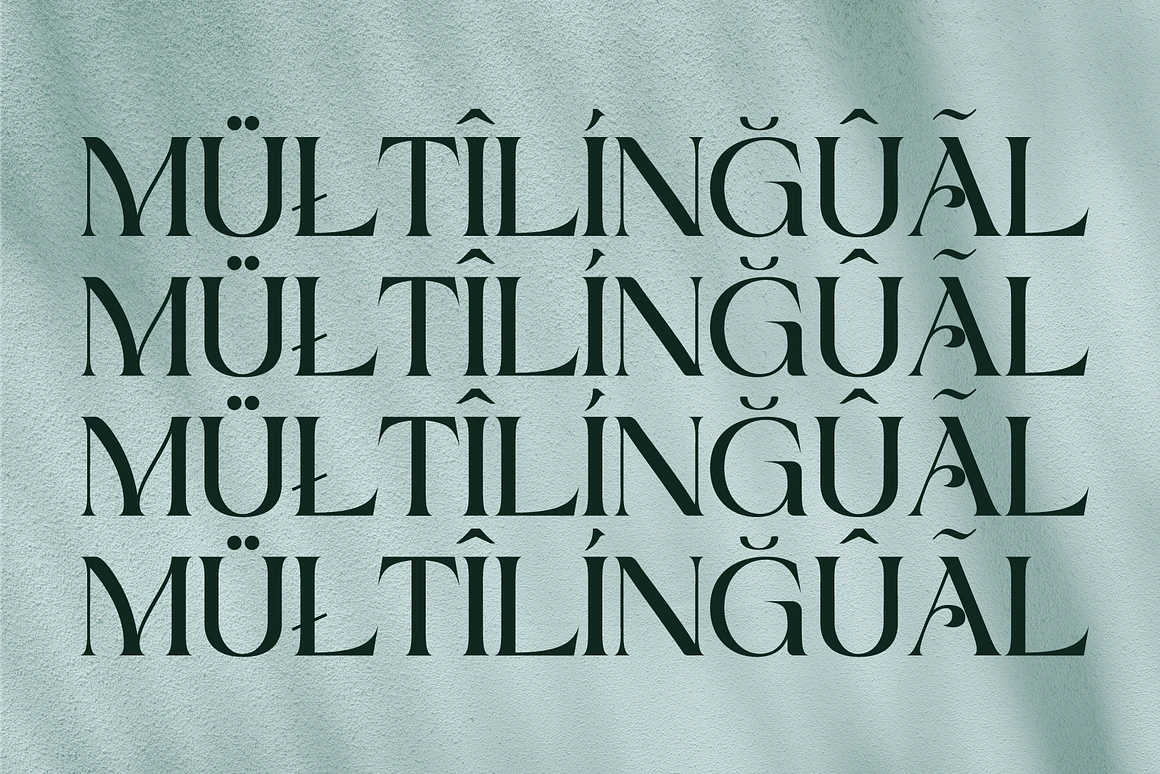
Language Support: Multilingual (ä ö ü Ä Ö Ü ß ¿¡)
Compatibility: Works on PC & Mac
Ease of Use: Simple installation, accessible in Adobe Illustrator, Adobe Photoshop, Adobe InDesign, and even Microsoft Word
PUA Encoded: Fully accessible without additional design software
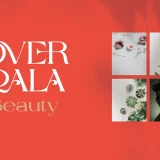
Note: All photographs, images, logos, and vectors used in the preview are for illustration purposes only and are not included with the font.
Whether you are crafting a timeless identity for an exclusive brand or designing an innovative editorial concept, Cavas Nera Modern and Elegant font – offers the perfect balance of artistry and function — a font that not only communicates your message but also embodies the spirit of refined design.
Cavas Nera - Modern and Elegant Font
By completing this purchase, you agree to our
Yes. As long as you purchase the appropriate license (Desktop, Web, App, etc.), you are allowed to use the font in commercial works such as logos, packaging, and advertising.
Each download includes:
Font files in
.OTFor.TTFformats (depending on license)Webfonts (
.WOFF,.WOFF2) if Web License is selectedEULA (license agreement)
Font installation & usage guide
- License
Only if you purchase a Webfont or App License. Desktop licenses do not allow embedding in digital platforms.
Yes, if you purchase the font on behalf of your client, you must ensure the license is in their name. One license = one user/client.
Yes. Please contact us at support@authentype.com to request a custom or extended license.
No. Modifying font files is not permitted under standard licenses. If you need customization, please contact us for permission or a custom agreement.
Due to the digital nature of fonts, all sales are final. Please make sure to test free versions or read the details before purchase.
Yes! You can explore our collection of free fonts here.
We provide a PDF guide with every purchase. Generally:
macOS: Double-click
.otf→ “Install Font”Windows: Right-click
.otf→ “Install”
You can re-download your purchase from your Authentype account at any time. If you need help, contact our support team.
TRY BEFORE YOU BUY
Download our high-quality free fonts and test them in your projects. 👉 BROWSE FREE FONTS
Why Brands Are Ditching Stock Footage for AI? I remember a rainy Tuesday afternoon last November, sitting in a drafty…

New Products
- Sale!
- Sale!
- Sale!
Top Products
- Sale!
- Sale!
- Sale!
On Sale
- Sale!
- Sale!
- Sale!


Reviews
There are no reviews yet.