Description
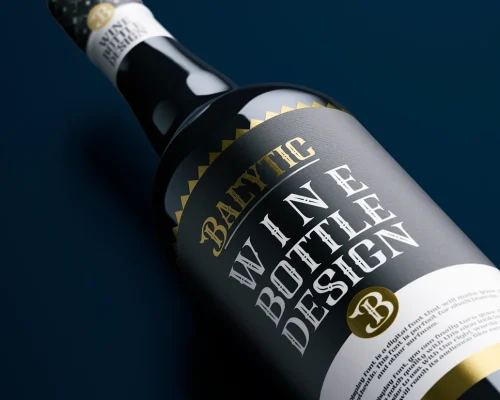
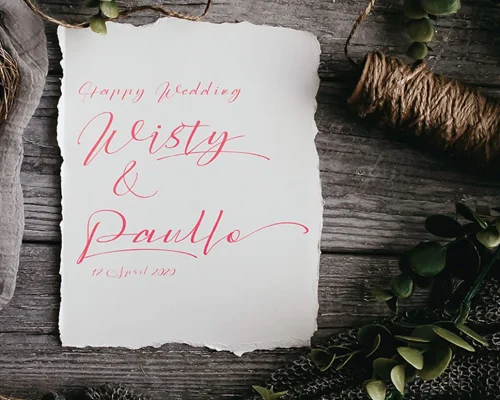
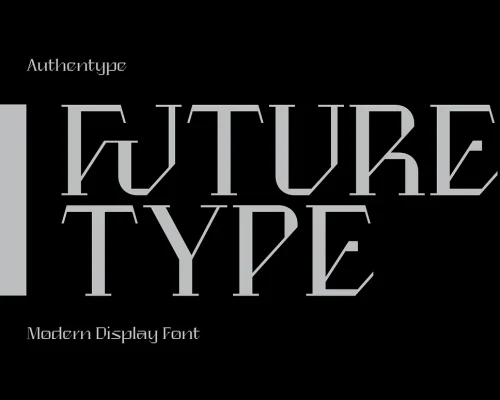
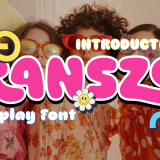
Seralyn is a retro-futuristic display font with bold geometric shapes and a strong modern attitude.
By completing this purchase, you agree to our font license
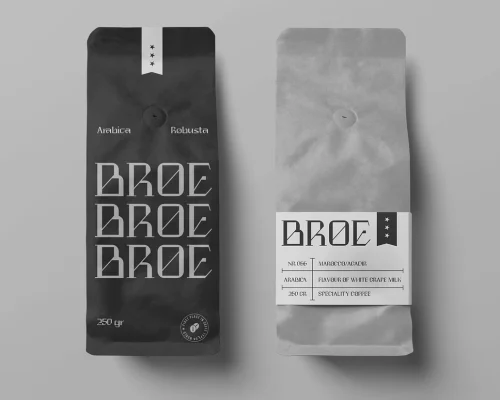
Seralyn is a retro-futuristic display font with bold geometric shapes and a strong modern attitude. Each letter is designed with sharp, dynamic cuts that blend vintage charm with a contemporary edge. Perfect for posters, logos, branding, packaging, headlines, and any creative project that needs a standout retro-modern vibe.
This font includes unique ligatures such as KA, KO, RU, TH, and more, giving your typography extra character and style. The heavy letterforms create a look that’s confident, expressive, and eye-catching.
Features:
• Full Latin alphabet (A–Z, a–z)
• Numbers & punctuation
• Special ligatures
• File formats: OTF / TTF / WOFF / WOFF2
• Works on both Mac & Windows
• Ideal for logos, posters, packaging, and modern typographic layouts
Yes. As long as you purchase the appropriate license (Desktop, Web, App, etc.), you are allowed to use the font in commercial works such as logos, packaging, and advertising.
Each download includes:
Font files in .OTF or .TTF formats (depending on license)
Webfonts (.WOFF, .WOFF2) if Web License is selected
EULA (license agreement)
Font installation & usage guide
Only if you purchase a Webfont or App License. Desktop licenses do not allow embedding in digital platforms.
Yes, if you purchase the font on behalf of your client, you must ensure the license is in their name. One license = one user/client.
Yes. Please contact us at support@authentype.com to request a custom or extended license.
No. Modifying font files is not permitted under standard licenses. If you need customization, please contact us for permission or a custom agreement.
Due to the digital nature of fonts, all sales are final. Please make sure to test free versions or read the details before purchase.
Yes! You can explore our collection of free fonts here.
We provide a PDF guide with every purchase. Generally:
macOS: Double-click .otf → “Install Font”
Windows: Right-click .otf → “Install”
You can re-download your purchase from your Authentype account at any time. If you need help, contact our support team.
Download our high-quality free fonts and test them in your projects.
Reviews
There are no reviews yet.